
Pages in Pagecord support dynamic variables that let you automatically display lists of posts, tags, forms, and other content. These variables are processed when the page is rendered, so your content stays up-to-date without manual editing.
Table of Contents
- Basic Syntax
-
Available Variables
-
Posts
- Basic usage
- With a limit
- Filter by tag
- Filter by multiple tags
- Filter by year
- Filter by language
- Sort order
- Exclude posts with a tag
- Exclude posts with multiple tags
- Only posts with a title
- Only posts without a title
- Only posts sent in a newsletter
- Only posts not sent in a newsletter
- Display as cards
- Display as stream
- Display as title
- Display as gallery
- Style with filters
- Limit with filters
- Posts by Year
- Tags
- Last Updated Date
- Table of Contents
- Email Subscription
- Contact Form
-
Posts
- Examples
- Topic Index
- Tips
Basic Syntax
Dynamic variables use double curly braces:
{{ variable_name }}
You can add parameters using a colon:
{{ variable_name | param: value }}
Multiple parameters are separated by pipes:
{{ variable_name | param1: value1 | param2: value2 }}
Important: Paste variables directly into the page content, not inside a code block in the editor. Variables shown in code blocks here are examples only.
Available Variables
Posts
Display a list of your posts with dates and links. By default, posts are shown in the title layout, newest first, and longer lists lazy-load automatically as readers scroll.
Basic usage
{{ posts }}
With a limit
Use limit to show a fixed number of posts. When a limit is set, posts are not lazy-loaded or paginated.
{{ posts | limit: 10 }}
Filter by tag
{{ posts | tag: photography }}
Filter by multiple tags
Shows posts matching any of the tags.
{{ posts | tag: photography, travel }}
Filter by year
{{ posts | year: 2025 }}
Filter by language
Use lang to show posts in a particular language. Regional variants are normalised, so pt-BR matches posts marked as pt.
{{ posts | lang: en }}
Posts that use your blog's default language setting are included when the filter matches the blog language.
Sort order
By default, posts are shown newest first. Use sort: asc to show oldest first – useful for chronological archives.
{{ posts | sort: asc }}
Exclude posts with a tag
{{ posts | without_tag: personal }}
Exclude posts with multiple tags
{{ posts | without_tag: personal, draft }}
Only posts with a title
{{ posts | title: true }}
Only posts without a title
{{ posts | title: false }}
Only posts sent in a newsletter
{{ posts | emailed: true }}
Only posts not sent in a newsletter
{{ posts | emailed: false }}
Display as cards
Render posts as cards (the same layout as the "cards" blog style) with automatic lazy-loading pagination.
{{ posts | style: card }}
Display as stream
Render posts as a full-content stream (the same layout as the "stream" blog style) with automatic lazy-loading pagination.
{{ posts | style: stream }}
Display as title
Render posts as a date-and-title list (the same layout as the "title" blog style) with automatic lazy-loading pagination. This is the default when no style or limit is specified.
{{ posts | style: title }}
Display as gallery
Render posts as a grid of image thumbnails with automatic lazy-loading pagination. Each tile uses the post's Open Graph image, or the first image in the post body if no Open Graph image is set. Posts with no image are not shown.
{{ posts | style: gallery }}
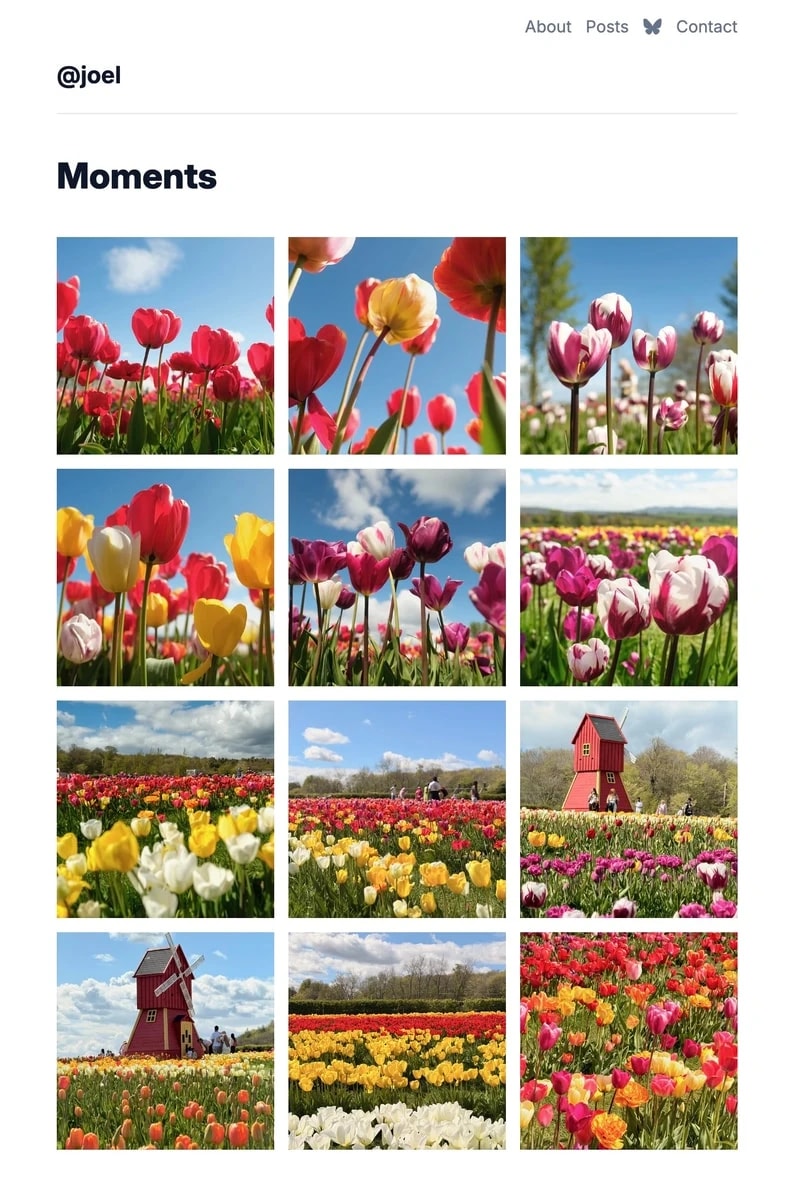
Gallery titles are included in the HTML but hidden by default. You can show or overlay them with custom CSS – see Posts gallery: customising the layout.
Style with filters
You can combine style with any other filter parameter.
{{ posts | style: card | tag: photography }}{{ posts | style: stream | year: 2026 | sort: asc }}{{ posts | style: stream | title: false }}
Limit with filters
You can combine limit with any other filter parameter.
{{ posts | limit: 5 | tag: photography }}{{ posts | style: card | limit: 1 }}
Posts by Year
Display posts grouped by year with headers – perfect for archive pages.
Basic usage
{{ posts_by_year }}
Filter by tag
{{ posts_by_year | tag: photography }}
Filter by multiple tags
Shows posts matching any of the tags.
{{ posts_by_year | tag: photography, travel }}
Exclude posts with a tag
{{ posts_by_year | without_tag: personal }}
Exclude posts with multiple tags
{{ posts_by_year | without_tag: personal, draft }}
Only posts with a title
{{ posts_by_year | title: true }}
Only posts sent as newsletter
{{ posts_by_year | emailed: true }}
Only posts not sent in a newsletter
{{ posts_by_year | emailed: false }}
Filter by language
Use lang to create language-specific archives.
{{ posts_by_year | lang: en }}
Sort order
Show years in chronological order (oldest first) instead of the default newest first.
{{ posts_by_year | sort: asc }}
Tags
Display a list of all tags used in your posts.
As a bullet list
{{ tags }}
Inline (comma-separated)
{{ tags | style: inline }}
Last Updated Date
Display the date the page was last updated. This is handy for pages that evolve over time, such as a Now page or a reading log.
{{ updated_at }}
By default, the date is shown in your blog's locale format. Use the format parameter for a specific style:
| Format | Example |
|---|---|
| (default) | 12 Sep 2026 (locale-specific) |
datetime |
12 Sep 2026 14:30 (locale-specific + time) |
long |
12 September 2026 (English only) |
long_datetime |
12 September 2026 14:30 (English only) |
dd_mm_yyyy |
12/09/2026 |
mm_dd_yyyy |
09/12/2026 |
yyyy_mm_dd |
2026-09-12 |
{{ updated_at | format: datetime }}
Note: long and long_datetime always display month names in English. For non-English blogs, use the default or a numeric format.
You can style the output with the CSS class updated-at.
Table of Contents
Build a linked table of contents from the headings in the page.
{{ table_of_contents }}
The list includes headings from h2 to h6, using nested numbering for deeper sections.
To show a heading without adding it to the table of contents, use the heading parameter:
{{ table_of_contents | heading: "Table of contents" }}
Email Subscription
Embed an email subscription form for readers to subscribe to your blog (premium customers only).
{{ email_subscription }}
Note: This only appears if you have email subscriptions enabled in your blog settings.
Contact Form
Embed a contact form so readers can send you a message directly from your blog.
{{ contact_form }}
Note: This is a premium feature and only appears for subscribers and users on a free trial.
Paste it directly into the page content, not inside a code block in the editor.
Examples
Simple Archive Page
Create a page called "Archive" with this content:
Here's everything I've written:

{{ posts_by_year }}
Recent Posts on your Home Page
My latest posts

{{ posts | limit: 5 }}
One Featured Card
Featured post

{{ posts | style: card | limit: 1 }}
Microblog Stream
Show title-free posts as a full-content stream:
Notes

{{ posts | style: stream | title: false }}
Photo Gallery
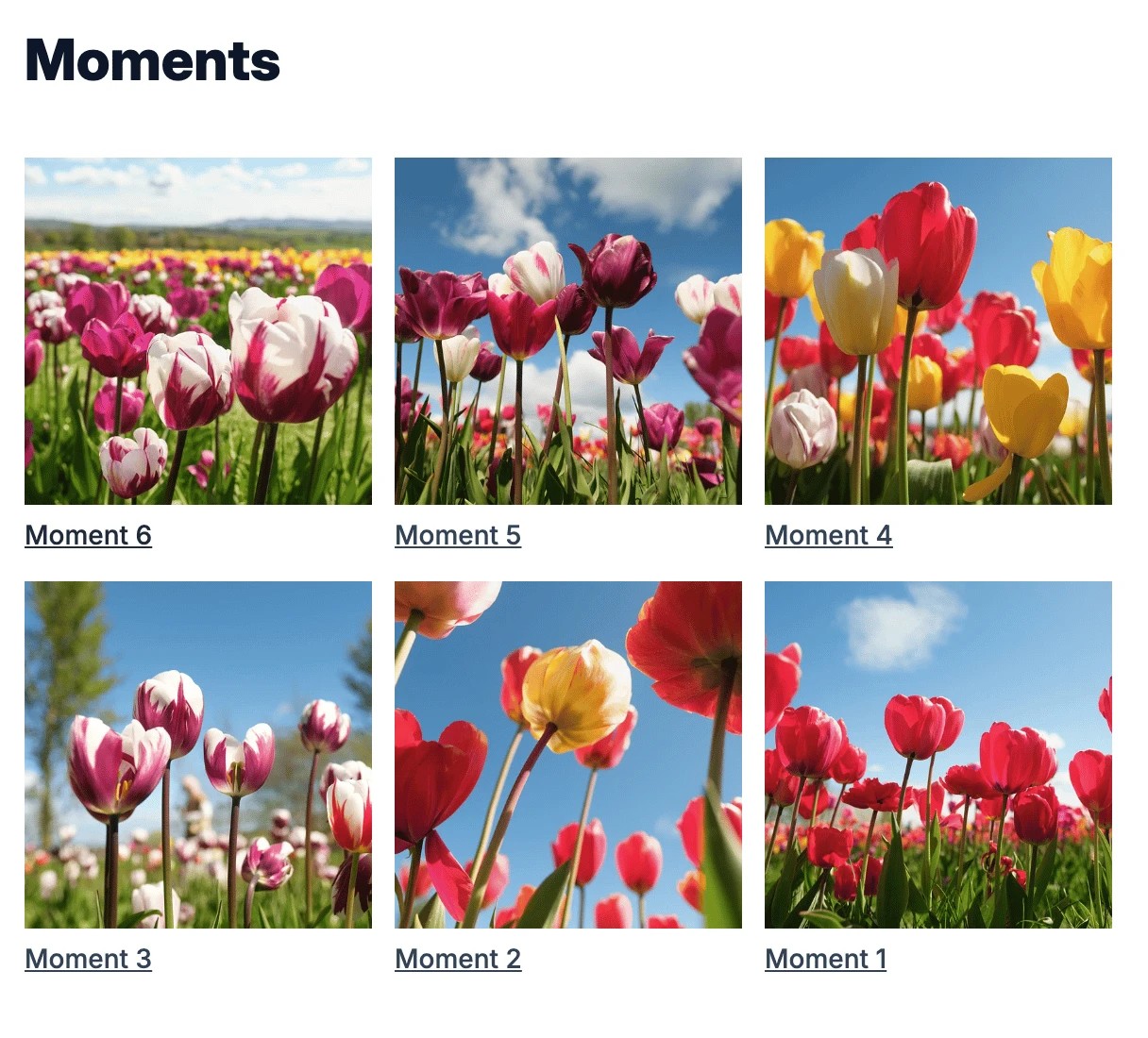
Show only posts that have an image:
Photos

{{ posts | style: gallery }}
Topic Index
My Photography Posts

{{ posts | tag: photography }}

My Travel Posts

{{ posts | tag: travel }}

Browse posts by topic:

{{ tags }}
Tips
- Dynamic variables only work in pages, not blog posts
- If a variable isn't recognised, it will appear as-is in your content
- The posts list automatically excludes unpublished and scheduled posts
- Dynamic variables inside inline code or code blocks are left alone
- The table of contents variable uses headings in the page body
- Tags are sorted alphabetically